Transform Your Firestick Into a Complete Entertainment Center
Amazon Fire TV Stick has changed the way millions of users watch television.
Small, powerful, and easy to use, Firestick allows users to transform any television into a smart entertainment system.
However, many Firestick owners are looking for a more flexible streaming experience that combines:
- Live channels
- Movies
- TV series
- International entertainment
- High-quality streaming
This is where IPTV for Firestick becomes an attractive solution.
Designed for Amazon Fire TV users, a premium IPTV experience allows Firestick owners to enjoy a smoother, more organized, and more personalized entertainment environment.
Whether you use a standard Fire TV Stick, Fire TV Stick 4K, or Fire TV Cube, IPTV provides a modern way to maximize your streaming device.
Why Choose IPTV for Firestick?
The popularity of Firestick comes from its simplicity.
Users want:
✔ Fast access
✔ Easy installation
✔ Smooth navigation
✔ High-quality streaming
✔ Flexible entertainment options
A well-optimized IPTV service works naturally with Firestick because both are designed around internet-based entertainment.
Instead of switching between multiple devices, users can manage their entertainment directly from their television screen.
Designed for Amazon Fire TV Stick Users
Firestick is one of the most popular streaming devices because it offers:
Compact Design
The small size allows it to fit behind almost any television.
Simple Remote Control
Users can navigate content comfortably from their sofa.
Smart Application Support
Firestick supports many streaming applications, making it a flexible entertainment platform.
Combining Firestick with IPTV creates a powerful home entertainment setup.
Easy IPTV Firestick Setup Process
One of the biggest advantages of IPTV for Firestick is the simple setup experience.
Step 1: Prepare Your Firestick
Connect your Fire TV Stick to:
- Television HDMI port
- Stable internet connection
- Amazon account
Make sure your device is updated for the best performance.
Step 2: Install IPTV Application
Firestick users can choose from several IPTV-compatible applications.
Popular options include:
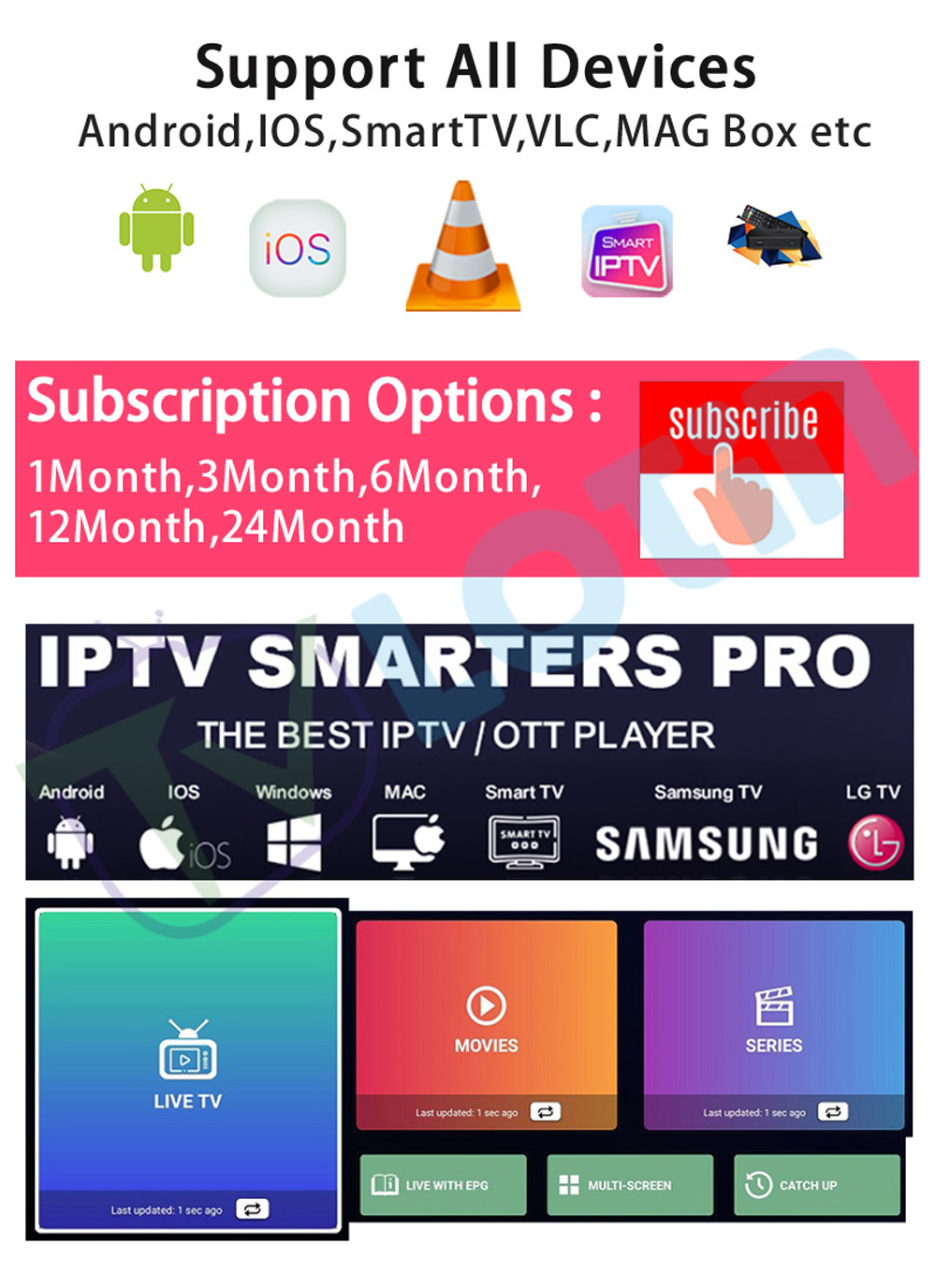
IPTV Smarters Pro
Features:
- Simple interface
- Easy account management
- Organized categories
TiviMate
Popular among advanced users because of:
- Modern design
- Channel management
- Electronic Program Guide support
XCIPTV
Provides:
- Clean navigation
- Smooth playback
- User-friendly controls
The right application depends on your personal viewing preferences.
Step 3: Connect Your IPTV Account
Modern IPTV platforms commonly support simple login methods.
Users typically enter:
- Server information
- Username
- Password
After connection, the application can organize:
- Live channels
- Movies
- Series
- Program information
The entire process is designed to be beginner-friendly.
High Quality Streaming Experience on Firestick
Many users choose Firestick because they want a better television experience without complicated equipment.
With a suitable IPTV setup, Firestick users can enjoy:
HD Streaming
Clear images for everyday entertainment.
Full HD Experience
Improved details for larger televisions.
4K Streaming Support
For users with compatible:
- Firestick 4K devices
- 4K televisions
- Stable internet connections
4K IPTV provides a more immersive viewing experience with sharper details and improved picture quality.
For users interested in advanced streaming quality, explore our:
Ultra 8K IPTV Experience
to learn more about high-resolution entertainment solutions.
IPTV for Firestick vs Traditional Streaming Devices
| Feature |
Firestick IPTV Experience |
Traditional TV Setup |
| Device Size |
Compact |
Large Equipment |
| Installation |
Application Based |
Hardware Based |
| Flexibility |
High |
Limited |
| Content Organization |
Advanced |
Basic |
| 4K Support |
Available |
Depends on System |
| Remote Control |
Simple |
Complex |
Best IPTV Features for Firestick Users
A quality Firestick IPTV experience should provide:
Organized Channel Categories
Users can quickly find:
- Sports
- Movies
- Entertainment
- News
- International content
Electronic Program Guide (EPG)
EPG helps users understand:
- Current programs
- Upcoming shows
- Channel schedules
This creates a more traditional television experience while keeping modern streaming advantages.
Fast Content Navigation
Firestick users expect quick response.
A well-optimized IPTV setup focuses on:
- Smooth menus
- Fast loading
- Simple browsing
Real User Scenarios
Family Entertainment
A family may use one Firestick in the living room.
Morning:
News and information.
Afternoon:
Movies and series.
Evening:
Sports and entertainment.
A flexible IPTV setup allows different family members to enjoy different content categories.
Travelers and Secondary TVs
Many users place Firestick devices in:
- Bedrooms
- Guest rooms
- Holiday homes
Because Firestick is portable, users can create a familiar entertainment environment in different locations.
International Viewers
Users living away from their original country often prefer having access to international entertainment.
A global IPTV solution can help create a more personalized viewing experience.
For European-focused entertainment:
Explore:
Tivione IPTV Review
for additional information.
Common Firestick IPTV Problems and Solutions
Buffering During Streaming
Possible causes:
- Weak WiFi signal
- Router distance
- Network congestion
Solutions:
- Improve WiFi position
- Restart router
- Use stable network connection
Application Loading Slowly
Solutions:
- Restart Firestick
- Clear unused applications
- Update IPTV player
Storage Space Issues
Firestick devices have limited storage.
Recommended:
- Remove unused apps
- Clear cache regularly
- Keep essential applications only
Why Firestick Users Prefer IPTV Solutions
The combination of Firestick and IPTV provides:
Convenience
Everything is controlled from one remote.
Flexibility
Users can customize their viewing experience.
Better Organization
Content categories are easier to manage.
Modern Entertainment
Firestick becomes more than a simple streaming device.
Frequently Asked Questions
What is IPTV for Firestick?
IPTV for Firestick refers to using IPTV applications and services on Amazon Fire TV Stick devices.
Can IPTV work on Firestick 4K?
Yes. Firestick 4K models are designed for high-resolution streaming experiences.
Which IPTV app works best on Firestick?
Popular choices include IPTV Smarters Pro, TiviMate, and XCIPTV.
Is Firestick good for IPTV streaming?
Yes. Firestick provides a compact and convenient platform for IPTV applications.
Does IPTV support HD and 4K on Firestick?
Many IPTV services support HD and 4K streaming when device capability and network conditions allow.
Can I use IPTV on multiple Firestick devices?
Device usage depends on the account configuration and subscription setup.
Final Thoughts
Amazon Firestick has become one of the most popular entertainment devices worldwide.
When combined with IPTV, it creates a flexible streaming solution designed for modern households.
From easy setup and application support to HD and 4K streaming capabilities, IPTV for Firestick provides users with a more personalized way to enjoy digital entertainment.
For anyone looking to maximize their Fire TV Stick experience, choosing a well-optimized IPTV solution can transform a simple streaming device into a complete home entertainment system.