
Strong8k IPTV Review: Global Xtream Code and Reseller Guide
Choosing a global IPTV solution is not simply about finding the largest channel list.
For international viewers and IPTV resellers, several factors matter at the same time: regional content, VOD organization, IPTV player compatibility, device support, account management, and the ability to serve customers with different viewing requirements.
Strong8k IPTV is positioned as a global IPTV environment with a focus on international channel coverage, VOD, Xtream Codes compatibility, multiple IPTV players, and reseller management.
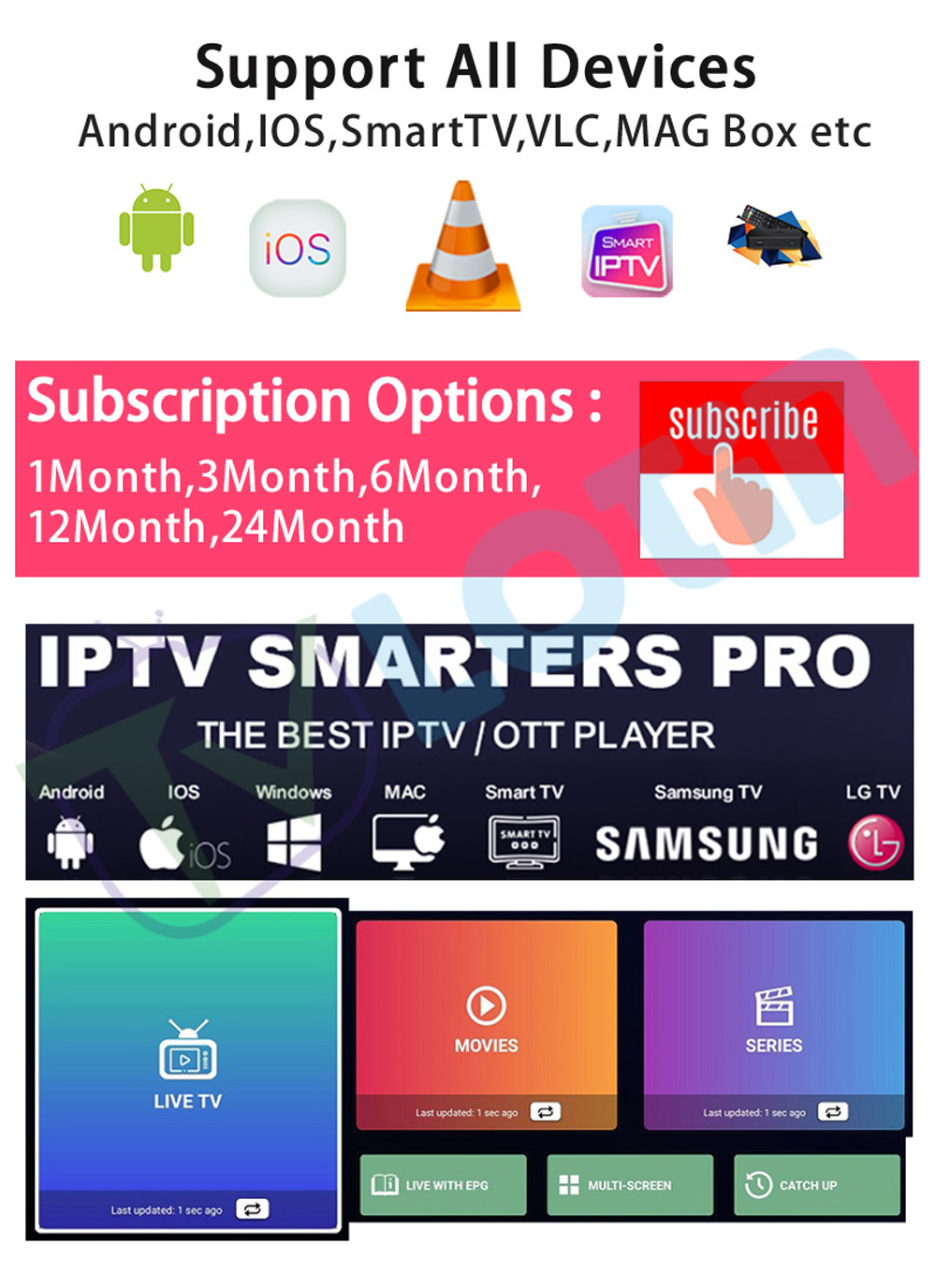
The current Strong8k product information describes worldwide content, Xtream Codes support, frequently updated VOD, reseller functionality, and compatibility with Android TV Boxes, Fire TV Stick, Samsung and LG Smart TVs, mobile devices, Windows/macOS computers, and MAG devices.
This makes Strong8k particularly relevant to users and resellers who need a multi-region IPTV environment rather than a service focused on only one country.
This review examines Strong8k from a practical perspective, including global channel organization, VOD, reseller tools, Xtream Codes, IPTV players, device compatibility, and common setup considerations.
Strong8k IPTV at a Glance
Before going into the individual features, here is a quick overview.
| Feature |
Strong8k IPTV |
| Global content |
Yes |
| VOD |
Yes |
| Reseller panel |
Yes |
| Xtream Codes |
Yes |
| M3U / IPTV player environment |
Supported through compatible applications |
| Android TV Box |
Yes |
| Fire TV Stick |
Yes |
| Samsung Smart TV |
Yes |
| LG Smart TV |
Yes |
| Mobile devices |
Yes |
| Windows / macOS |
Yes |
| MAG devices |
Yes |
| Custom bouquets |
Available in reseller environment |
| Credit-based management |
Available in reseller environment |
The exact content, account options, and player configuration can vary by the specific Strong8k setup.
Worldwide Channel Coverage
One of the main reasons users consider a global IPTV service is the ability to access content from different regions within one viewing environment.
International households may need programming from several countries rather than a single market.
Strong8k is positioned around broad regional coverage, including:
This type of coverage can be useful for:
International Families
Families living across different countries may want to follow programming in multiple languages.
Expats
Viewers living abroad may want access to familiar regional entertainment.
International Sports Fans
Sports viewers may follow competitions from several countries.
Global Resellers
Resellers can target more than one market when the underlying content supports multiple regions.
The important point is that a large international library only becomes useful when the channels are properly organized.
How to Organize Strong8k Global Channels
A large channel list can quickly become difficult to navigate.
A practical IPTV player should make it easier to organize content by:
-
Country
-
Region
-
Language
-
Sports
-
News
-
Entertainment
-
Movies
-
Series
A reseller can also use custom bouquets to separate different customer groups.
For example:
Europe → Germany → Sports
or:
North America → USA → Entertainment
This approach makes the viewing experience much easier to manage than a single unstructured channel list.
VOD Library and Content Freshness
Live TV is only one part of an IPTV environment.
VOD, or Video on Demand, gives viewers another way to use the service by allowing them to select available movies and series without following a live broadcast schedule.
The source material describes Strong8k as having an actively updated VOD library containing:
For viewers, content freshness can be important because an outdated VOD library can quickly become repetitive.
For resellers, VOD organization can also affect the customer experience.
A practical VOD environment should provide:
Search
Find a specific movie or series without browsing manually.
Categories
Organize titles by genre, country, or content type.
Favorites
Save frequently watched titles.
Recently Watched
Return to previously viewed content more easily.
Recently Added
Discover newer additions to the library.
A large VOD count is less useful when the interface makes finding content difficult.
Strong8k IPTV for Resellers
One of the major differences between a standard IPTV subscription and a reseller-focused environment is customer management.
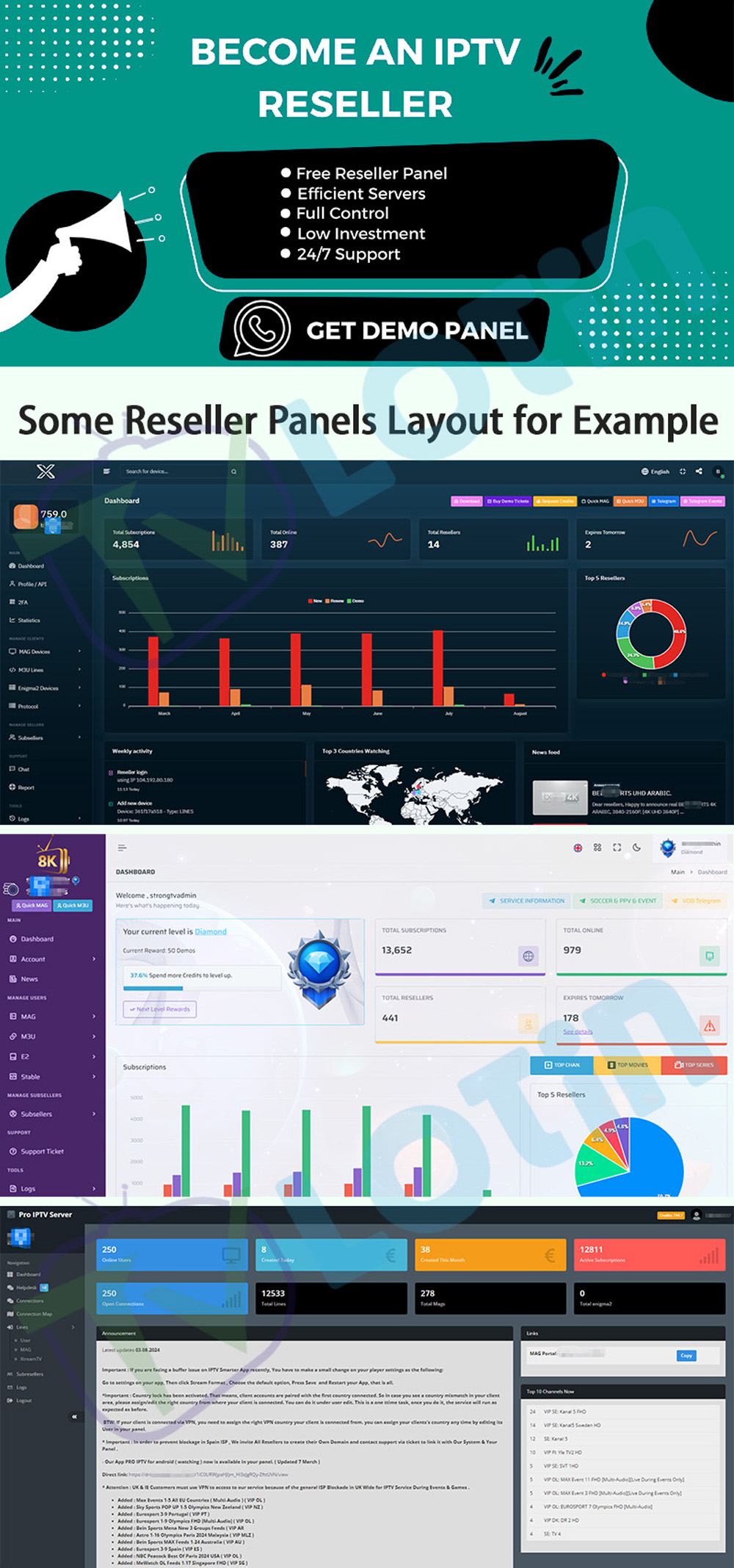
Strong8k is positioned as a reseller-oriented IPTV platform with tools including:
-
Customer account creation
-
Credit-based management
-
Account monitoring
-
Custom bouquet assignment
-
Subscription duration management
-
Usage tracking
For a reseller, these functions can simplify repetitive administrative work.
Instead of manually maintaining every customer separately, the panel provides a centralized structure.
A practical workflow looks like:
Create Customer → Assign Service → Configure Package → Customer Setup → Monitor Account
The exact functions available depend on the reseller environment being used.
Custom Bouquets for Different Markets
One of the more useful reseller functions is the ability to organize content into custom bouquets.
A reseller serving Germany does not necessarily need to give every customer the same content structure as a customer in the United States.
Packages can be organized around:
Region
-
Europe
-
North America
-
Latin America
-
Middle East
-
Asia
Language
-
English
-
German
-
French
-
Spanish
-
Italian
-
Arabic
Content
-
Sports
-
Movies
-
News
-
Entertainment
-
Kids
-
International TV
This type of segmentation can reduce unnecessary channel clutter and make the customer experience more focused.
Xtream Codes Compatibility
Xtream Codes API compatibility is one of the most important technical features mentioned in the Strong8k environment.
Instead of manually managing large channel lists, a compatible IPTV player can retrieve the account information and organize the available content automatically.
The typical workflow is:
Xtream Codes Login → IPTV Player → Live TV / VOD / Series → Playback
This can simplify setup for users who prefer applications that support Xtream-style login credentials.
The available functionality still depends on the specific IPTV application.
IPTV Players for Strong8k
The source material identifies several commonly used IPTV applications:
-
IPTV Smarters Pro
-
TiviMate
-
XCIPTV
-
GSE Smart IPTV
-
OTT Navigator
Each player can provide a different interface.
IPTV Smarters Pro
Useful for users who want a straightforward IPTV interface and common login workflows.
TiviMate
Often preferred by television-focused users who value:
-
Favorites
-
Search
-
EPG
-
Playlist management
-
Remote navigation
XCIPTV
Another option for compatible Smart TV and Android environments.
GSE Smart IPTV
Can provide an alternative playback environment for supported devices.
OTT Navigator
Useful for users who prefer a more customizable IPTV interface.
The best player depends on your device and viewing preferences.
Xtream Codes vs M3U
Both Xtream-style login and M3U playlists can be used to organize IPTV content, but they provide different setup workflows.
Xtream Codes
Typically requires:
-
Server URL
-
Username
-
Password
The player can then retrieve channel categories, VOD, series, and EPG information when supported.
M3U
Typically uses:
-
M3U URL
-
IPTV player
-
Playlist synchronization
M3U can be useful for users who prefer a playlist-based setup.
For resellers, understanding both methods is valuable because customers may use different IPTV applications.
Device Compatibility
Strong8k is positioned as a multi-device IPTV environment.
The source material lists support for:
-
Android TV Boxes
-
Amazon Fire TV Stick
-
Samsung Smart TVs
-
LG Smart TVs
-
Smartphones
-
Tablets
-
Windows computers
-
macOS computers
-
MAG devices
This allows households to use IPTV on different screens without necessarily changing their entire viewing environment.
For example:
Living Room → Samsung Smart TV
Bedroom → Android TV Box
Second TV → Fire TV Stick
Mobile → Smartphone
Office → Windows/macOS
For resellers, broad device compatibility can also reduce setup friction because customers can use hardware they already own.
Strong8k IPTV on Smart TV
Smart TVs provide one of the simplest IPTV environments.
A typical setup is:
Smart TV → IPTV App → Xtream Login / Playlist → Live TV / VOD
Before helping a customer configure Strong8k on Smart TV, verify:
Application availability can vary by TV model and software version.
Strong8k IPTV on Android TV Box
Android TV Boxes provide greater flexibility for users who want to choose their IPTV application.
A typical setup is:
Android TV Box → HDMI → TV
Then:
Internet → IPTV Player → Xtream/M3U → Playback
For troubleshooting, check:
-
Android version
-
Player compatibility
-
Login information
-
Network
-
HDMI configuration
-
Display resolution
Android TV Box is particularly useful when the Smart TV's built-in application environment does not provide the preferred IPTV player.
Strong8k IPTV on Fire TV Stick
Fire TV Stick provides another compact television-focused option.
The setup generally follows:
Fire TV Stick → IPTV Player → Login / Playlist → Content
For the best experience, the player should provide:
A simple interface becomes particularly important when the playlist contains thousands of channels.
Strong8k IPTV on MAG Devices
MAG devices use a different configuration process from Android TV or Smart TV.
The source material states that MAG users can connect through a provided portal URL.
A typical MAG setup may involve:
-
Device MAC information
-
Portal URL
-
Network connection
-
Device configuration
Do not use an M3U or Xtream setup process unless the specific MAG environment calls for it.
Different IPTV platforms can use different connection methods.
Strong8k IPTV on Windows and macOS
Computer users have additional flexibility.
A Windows or macOS setup may use compatible IPTV software such as:
Desktop viewing can be useful for:
-
Testing playlists
-
Managing IPTV information
-
Watching on a large monitor
-
Troubleshooting customer configurations
The same IPTV credentials may behave differently depending on the application being used.
Reseller Account Management
One of the strongest practical areas of Strong8k is the reseller management layer.
A reseller can organize:
-
Customers
-
Credits
-
Bouquets
-
Account duration
-
Service allocation
-
Usage information
A credit-based model can also make it easier to keep track of available customer accounts.
For example:
Credits → Customer Account → Package → Expiration
The exact credit structure depends on the reseller panel.
Strong8k for Different Target Markets
A global IPTV reseller does not necessarily need to treat every customer identically.
Different markets may require different channel structures.
Europe
Potential categories include:
-
UK
-
Germany
-
France
-
Italy
-
Spain
-
Nordic countries
North America
Potential categories include:
Latin America
Potentially relevant categories include:
-
Mexico
-
Central America
-
South America
Middle East and North Africa
Regional-language entertainment and sports can be important.
This is where custom bouquets become particularly valuable.
4K and 8K Content Considerations
High-resolution IPTV can be attractive to customers with modern televisions.
However, 4K or 8K playback depends on the complete chain:
4K/8K Source → IPTV Player → Device → HDMI → TV → Network
Picture quality can be influenced by:
-
Source resolution
-
Bitrate
-
Compression
-
Frame rate
-
HDR
-
Device performance
-
TV settings
-
Network stability
A 4K or 8K television does not automatically make every source native 4K or 8K.
The source itself must provide the necessary resolution.
For businesses that want to compare another high-resolution reseller environment, the current Ultra 8KOTT reseller IPTV platform is another example of a multi-device IPTV setup with global channel coverage and reseller functionality.
Why Device Testing Matters for Resellers
A reseller should test the customer experience on the most common devices before supporting them publicly.
A sensible test matrix can include:
| Device |
Test |
| Samsung Smart TV |
Login, Live TV, VOD, EPG |
| LG Smart TV |
Login, Live TV, VOD, EPG |
| Android TV Box |
Login, Search, VOD, Favorites |
| Fire TV Stick |
Login, Navigation, Live TV |
| MAG |
Portal, Channel Loading |
| Windows |
Playback, Playlist |
| macOS |
Playback, Playlist |
| Smartphone |
Login, Playback |
This makes it easier to identify device-specific issues.
Common Strong8k IPTV Problems
Xtream Login Does Not Work
Check:
-
Server URL
-
Username
-
Password
-
Internet connection
-
Player compatibility
M3U Playlist Does Not Load
Check:
-
M3U URL
-
Playlist format
-
Player
-
Network
VOD Does Not Appear
Refresh the account or playlist and confirm that the selected player supports VOD.
EPG Is Missing
Check:
-
EPG configuration
-
Time zone
-
Player
-
Account synchronization
IPTV Buffers
Test:
-
Another channel
-
Another player
-
Wi-Fi
-
Ethernet
-
Another device
This helps determine whether the problem is content-specific, player-related, device-related, or network-related.
Pros and Cons of Strong8k IPTV
Pros
-
Broad international content
-
VOD-focused environment
-
Xtream Codes compatibility
-
Multiple IPTV player options
-
Reseller management tools
-
Custom bouquet support
-
Broad device compatibility
-
Multiple target markets
Cons
-
Playback quality still depends on the local network
-
High-resolution streaming requires suitable hardware and bandwidth
-
Large playlists can take time to organize
-
Advanced reseller functions may require an initial learning period
-
Different devices may require different setup workflows
This is a more realistic way to evaluate Strong8k than relying only on channel counts.
Frequently Asked Questions About Strong8k IPTV
Is Strong8k IPTV compatible with Xtream Codes?
Yes. Xtream Codes API support is one of the main features described in the Strong8k environment.
Can I use Strong8k IPTV on MAG devices?
Yes. The provided source information indicates that MAG devices can connect using a portal URL.
Does Strong8k IPTV offer reseller functionality?
Yes. The reseller environment includes customer creation, credit-based management, bouquet assignment, and account management features.
Which IPTV players work with Strong8k?
The source material identifies IPTV Smarters Pro, TiviMate, XCIPTV, GSE Smart IPTV, and OTT Navigator among compatible applications.
Can I use Strong8k on Smart TV?
Yes. The source material lists Samsung and LG Smart TVs among supported device environments.
Can I use Strong8k on Android TV Box?
Yes. Android TV Boxes are listed among supported devices.
Can I use Strong8k on Fire TV Stick?
Yes. Amazon Fire TV Stick is included in the listed device compatibility.
Does Strong8k provide VOD?
Yes. The service is positioned with an actively updated VOD library containing movies and series.
Can Strong8k be used for international markets?
Yes. Its positioning includes Europe, North America, Latin America, Middle East and North Africa, South Asia, and other international regions.
Why is my Strong8k stream buffering?
Start by testing the network, IPTV player, playback device, and individual channel. Buffering can have more than one cause.
Final Thoughts
The strongest part of the Strong8k IPTV proposition is not simply the size of its channel list.
Its broader value comes from combining:
Global Content + VOD + Xtream Codes + IPTV Players + Device Compatibility + Reseller Management
For viewers, this can provide a flexible way to organize live television, sports, movies, series, and international content.
For resellers, the more important features are customer creation, credit management, custom bouquets, account monitoring, and support for multiple target markets.
For technical users, Xtream Codes and multiple IPTV player options provide flexibility in how the service is configured.
For households using different devices, compatibility with Smart TVs, Android TV Boxes, Fire TV Stick, MAG devices, mobile devices, and computers can make the setup easier to adapt.
Strong8k should therefore be evaluated as a complete IPTV environment rather than simply compared by channel count.
The most useful evaluation criteria are:
Content Coverage → VOD → Player Compatibility → Device Support → Reseller Tools → Network Performance
That provides a more realistic picture of whether Strong8k is suitable for a global viewer or IPTV reseller.