Best IPTV Player: Top Apps Compared for 2026
Choosing the best IPTV player is not simply about finding the application with the longest feature list. The right player depends on your device, playlist format, EPG requirements, interface preferences, and the way you normally watch live TV, movies, and series.
A player that works extremely well on an Android TV box may not be the best choice for a Smart TV, Fire TV device, smartphone, or tablet. Some users want a simple interface, while others need advanced playlist management, multiview, catch-up, recording, filtering, or deeper EPG controls.
This guide compares several popular IPTV player options and explains which type of user each one suits best.
The main players covered here are:
-
TiviMate
-
IPTV Smarters Pro
-
OTT Navigator
-
XCIPTV
Instead of declaring one application universally superior, the goal is to identify the best IPTV player for different devices and viewing styles.
What Is an IPTV Player?
An IPTV player is an application that reads IPTV playlist or login information and turns it into a usable viewing interface.
The player normally handles functions such as:
-
Channel navigation
-
Playlist management
-
Search
-
Favorites
-
EPG
-
Playback controls
-
Category organization
A simplified IPTV setup looks like this:
IPTV Service Information → IPTV Player → Playlist → EPG → Playback
This distinction is important because two users can use similar IPTV information while having completely different experiences simply because they choose different players.
The player determines how easily you can search, organize, browse, and control your content.
What Makes the Best IPTV Player?
Before choosing an application, focus on the features that actually affect daily use.
Device Compatibility
The first question should always be:
Does the IPTV player work on my device?
Common environments include:
-
Android TV
-
Google TV
-
Fire TV
-
Smart TV
-
iPhone
-
iPad
-
Windows
-
macOS
Not every player supports every platform.
For example, TiviMate is specifically designed for Android TV and remote-controlled television environments, making it more suitable for large-screen users than people who primarily watch IPTV on phones or tablets.
Playlist Compatibility
The next factor is the format used by your IPTV service.
Common formats include:
-
M3U
-
M3U8
-
Xtream Codes
-
Portal-based information
A player may support one format particularly well while another offers broader compatibility.
This makes playlist compatibility one of the first things you should check before installing an IPTV application.
EPG Support
EPG means Electronic Program Guide.
For users who primarily watch live television, EPG can be one of the most important player features.
A good EPG should make it easy to:
If live TV is a major part of your viewing habits, EPG support should be high on your comparison list.
Playlist Management
Large IPTV playlists can contain thousands of items.
Without good organization, finding a frequently watched channel can become frustrating.
Useful playlist-management features include:
-
Favorites
-
Search
-
Category filters
-
Multiple playlists
-
Recently watched content
-
Channel sorting
Advanced playlist organization becomes especially important when users have a large number of channels, categories, or different content types.
Interface and Remote Navigation
A player can have dozens of features and still be frustrating if the interface is difficult to use.
This is especially important on television.
A good TV-focused IPTV player should make it easy to:
-
Move between categories
-
Open the EPG
-
Search for content
-
Change channels
-
Return to favorites
-
Adjust playback settings
A simple and well-organized interface often matters more than having the longest feature list.
Best IPTV Player Overall: TiviMate
Best for Android TV and Google TV users
TiviMate is one of the strongest choices for users who want a traditional television-style IPTV interface.
Its current feature set includes support for playlist management, EPG, favorites, search, multiple playlists, catch-up, multiview, and other large-screen functions.
Why TiviMate Stands Out
The main advantage is organization.
Users with large playlists can benefit from features such as:
This makes TiviMate particularly attractive to users who spend most of their time watching IPTV through Android TV or Google TV.
Best For
TiviMate is a strong choice for:
Android TV users
Google TV users
Large-screen viewing
Users with large playlists
Users who care about EPG and organization
Potential Limitation
TiviMate is designed primarily for television environments rather than touch-focused mobile viewing, so smartphone and tablet users may prefer another application.
Best IPTV Player for Multiple Devices: IPTV Smarters Pro
Best for users who move between different platforms
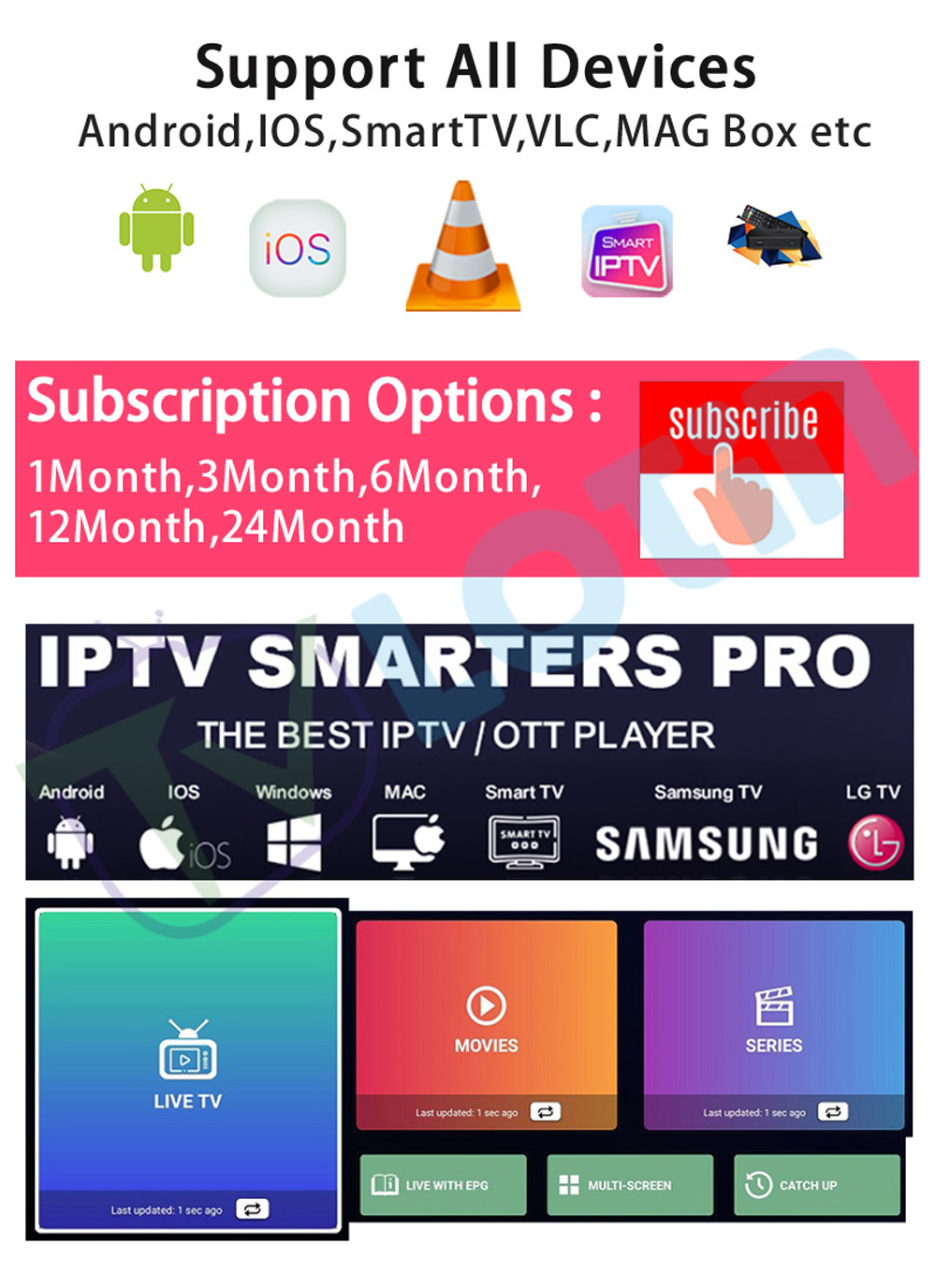
IPTV Smarters Pro is another well-known IPTV player, particularly for users who want a familiar interface across different supported devices.
Its feature set is centered around live TV, VOD, series, EPG, and common IPTV login methods.
LotinTV's current product catalog also lists IPTV Smarters Pro alongside other players such as TiviMate and XCIPTV on supported IPTV environments. Users can review the available IPTV player compatibility options when comparing different setups.
Why Users Choose IPTV Smarters Pro
The application is particularly useful for users who want:
Best For
IPTV Smarters Pro is worth considering for:
Smart TV users
Multi-device households
Users who want a straightforward interface
Users using common IPTV login formats
Viewers who watch Live TV, Movies, and Series
Best IPTV Player for Power Users: OTT Navigator
Best for advanced organization and customization
OTT Navigator is particularly interesting for users who want deeper control over playlists and content organization.
Its feature set includes playlist management, filtering, search, EPG, favorites, and multiple playback-related functions.
Why Power Users May Prefer It
OTT Navigator can be useful for people who want more control over:
-
Playlist organization
-
EPG
-
Categories
-
Filters
-
Search
-
Audio tracks
-
Subtitles
-
Playback options
-
Multiple content types
Best For
OTT Navigator is worth considering if you are:
An advanced Android user
Managing large playlists
Interested in detailed filtering
Heavy on EPG usage
Looking for deeper content organization
XCIPTV Player: A Simple Alternative
XCIPTV is another IPTV player that appears across a variety of IPTV setups.
One of its practical advantages is compatibility with different IPTV environments.
LotinTV's current product information lists XCIPTV alongside IPTV Smarters Pro and TiviMate in certain supported application environments.
Best For
XCIPTV can be considered by users who want:
-
A straightforward player
-
Common IPTV login methods
-
A simple viewing environment
-
Another option when their primary player has compatibility issues
Because application behavior can vary between device models and software versions, testing the player on your specific device is more useful than assuming one application will behave identically everywhere.
Best IPTV Player by Device
There is no single winner for every device.
The more useful question is:
Which IPTV player is best for my device?
Android TV
Recommended: TiviMate
TiviMate is specifically designed around large-screen and remote-controlled television navigation.
OTT Navigator is another strong option for users who want deeper playlist management and filtering.
Google TV
Recommended: TiviMate
Google TV users who prefer a traditional television-style interface may find TiviMate particularly suitable because of its EPG, search, favorites, playlist management, and large-screen navigation.
Smart TV
Recommended: IPTV Smarters Pro or another compatible TV-focused player
Smart TV users should focus heavily on application availability.
The most important question is whether the chosen player works with the specific television platform and the IPTV format being used.
Fire TV
Recommended: TiviMate or IPTV Smarters Pro
Fire TV users typically want a remote-friendly interface and reliable playlist management.
Always verify application compatibility with your specific Fire TV environment.
Android Smartphones and Tablets
Recommended: OTT Navigator or IPTV Smarters Pro
Users who primarily watch IPTV on mobile devices should prioritize touch navigation, responsive menus, and flexible playlist organization.
Best IPTV Player for M3U Playlists
If M3U is your primary format, compatibility should be the first filter.
Popular IPTV players supporting M3U include:
-
TiviMate
-
IPTV Smarters Pro
-
OTT Navigator
-
XCIPTV
The important point is not simply whether the player supports M3U, but how well it handles a large playlist.
A player with strong search, favorites, category filtering, and EPG can make a large M3U playlist much easier to navigate.
Best IPTV Player for EPG
Users who rely heavily on program guides should compare EPG functionality carefully.
TiviMate
TiviMate provides TV guide functionality alongside search, favorites, multiple playlist management, catch-up, and other television-focused features.
IPTV Smarters Pro
IPTV Smarters Pro also provides EPG-related functionality within compatible environments.
OTT Navigator
OTT Navigator includes EPG, filtering, search, favorites, and playlist-management functions.
For users who spend most of their time navigating live TV, EPG should be treated as a core feature rather than an optional extra.
Best IPTV Player for Sports Streaming
Sports viewers often need quick channel switching, easy EPG navigation, favorites, and sometimes multiview.
TiviMate is particularly attractive to Android TV users who want a television-style sports viewing environment.
OTT Navigator can also work well for advanced users because of its filtering, search, favorites, EPG, and playlist organization.
For sports-focused setups, the player should make it easy to jump between channels instead of forcing users to repeatedly search through a large playlist.
LotinTV also has a dedicated IPTV sports streaming setup in its current product catalog, which can be relevant when building a sports-focused IPTV environment.
Best IPTV Player for Large Playlists
Large playlists require good organization.
The most important features are:
Search
Quick search can save significant time.
Favorites
Frequently watched channels should be accessible with minimal navigation.
Multiple Playlists
Useful when managing different playlists or environments.
Category Filters
Helpful when a playlist contains many categories.
EPG
A program guide makes channel discovery more intuitive.
TiviMate and OTT Navigator are particularly strong options for this type of workflow because both emphasize playlist organization and navigation.
Best IPTV Player for Beginners
Beginners usually have different priorities from advanced users.
Instead of looking for dozens of features, focus on:
-
Simple navigation
-
Clear setup screens
-
Easy playlist import
-
Straightforward EPG
-
Favorites
-
Reliable remote control
IPTV Smarters Pro can be a sensible starting point for users who want a relatively familiar interface across supported devices.
TiviMate is another strong option for beginners using Android TV because its interface is designed around large screens and remote navigation.
How to Choose the Best IPTV Player for Your Setup
Instead of downloading several players randomly, use this evaluation process.
Step 1: Check Your Device
Determine whether you are using:
-
Android TV
-
Google TV
-
Smart TV
-
Fire TV
-
Smartphone
-
Tablet
-
Computer
Step 2: Identify Your IPTV Format
Check whether you have:
-
M3U
-
M3U8
-
Xtream Codes
-
Portal information
Step 3: Decide What Matters Most
Ask yourself:
Do I care most about simplicity?
Do I need advanced EPG?
Do I manage multiple playlists?
Do I use a large TV screen?
Do I need multiview?
Do I mainly watch live TV?
Step 4: Test the Interface
Pay attention to:
-
Menu speed
-
Remote navigation
-
Search
-
Favorites
-
Category organization
-
EPG loading
Step 5: Evaluate Long-Term Usability
A good IPTV player should still feel easy to use after the initial setup.
The best player is not necessarily the application with the most features. It is the one that makes your daily viewing routine easier.
IPTV Player Compatibility With LotinTV Solutions
Choosing an IPTV player is only one part of building a suitable setup.
You should also verify that the IPTV environment you use supports the player and device combination you prefer.
LotinTV's product catalog currently lists applications such as IPTV Smarters Pro, TiviMate, and XCIPTV across certain IPTV environments.
Some current product pages also list broader application compatibility, including IBO Player alongside other IPTV applications.
For users comparing different application environments, it is useful to review IPTV application compatibility before choosing a player.
Common IPTV Player Problems
Even a good IPTV player can experience configuration problems.
Playlist Does Not Load
Check:
-
Playlist URL
-
Username
-
Password
-
Server information
-
Selected input method
EPG Is Empty
Confirm that the EPG source is configured correctly and that the player supports the format being used.
Channels Take Too Long to Load
Large playlists can take longer to parse and organize.
Reducing unnecessary categories or choosing a player with stronger playlist-management tools can help.
Playback Freezes
Determine whether the problem affects:
-
One channel
-
One category
-
Multiple channels
-
Everything
Then check the device, network, player, and configuration individually.
App Feels Slow
Consider the age and performance of your device.
A feature-heavy application may behave differently on older hardware than on newer Android TV devices.
Best IPTV Player Comparison
| Player |
Best For |
Main Strength |
| TiviMate |
Android TV / Google TV |
TV interface, EPG, playlists, multiview |
| IPTV Smarters Pro |
Smart TV / Multi-device users |
Simple interface, Live TV, VOD, EPG |
| OTT Navigator |
Advanced Android users |
Filtering, EPG, search, playlist control |
| XCIPTV |
General / Alternative use |
Straightforward IPTV player |
The best choice depends more on your device and viewing style than on a universal ranking.
Frequently Asked Questions About the Best IPTV Player
What is the best IPTV player in 2026?
There is no single player that is best for every user. TiviMate is particularly strong for Android TV and Google TV, IPTV Smarters Pro is useful for Smart TV and broader supported environments, and OTT Navigator is attractive to advanced Android users who want deeper playlist control.
What is the best IPTV player for Android TV?
TiviMate is one of the strongest choices for Android TV because its interface is designed for large screens and remote navigation.
What is the best IPTV player for Smart TV?
IPTV Smarters Pro is worth considering on compatible Smart TVs when users want a straightforward interface with live TV, VOD, series, and EPG features.
Which IPTV player supports M3U?
TiviMate, IPTV Smarters Pro, OTT Navigator, and XCIPTV can support M3U in compatible environments.
Which IPTV player has the best EPG?
TiviMate, IPTV Smarters Pro, and OTT Navigator all provide EPG-related functionality. The best option depends on how you prefer to browse and organize program information.
Is TiviMate good for large IPTV playlists?
Yes. Its playlist-management, favorites, search, and EPG features make it particularly suitable for users who manage large content libraries.
Is OTT Navigator good for advanced users?
It can be a strong option for advanced Android users who want deeper filtering, playlist management, search, EPG, and customization.
Final Verdict: Which IPTV Player Should You Choose?
The best IPTV player depends on what you actually need.
Choose TiviMate when Android TV, Google TV, EPG, large-screen navigation, playlist organization, and advanced TV features are your priorities.
Choose IPTV Smarters Pro when you want a familiar interface for compatible Smart TV and other supported environments, particularly for Live TV, VOD, series, and EPG.
Choose OTT Navigator when you are an advanced Android user who wants deeper filtering, playlist management, search, EPG, and customization.
Keep XCIPTV as an alternative when you want to test another IPTV player in a compatible environment.
The most important lesson is simple:
The best IPTV player is the one that matches your device, IPTV format, viewing habits, and preferred interface.
Before choosing, check compatibility first, then compare playlist support, EPG, search, favorites, remote navigation, and performance.
That approach is far more useful than choosing an application simply because it appears first in a generic “best IPTV player” list.